Short answer: a product demo video shows one real task in your product, from the problem to the result, in about 60 to 90 seconds. Open on the result, show three to five clicks with a close-up on each, label the steps, and end with one next step. Record it in one take, then trim and zoom in an editor.
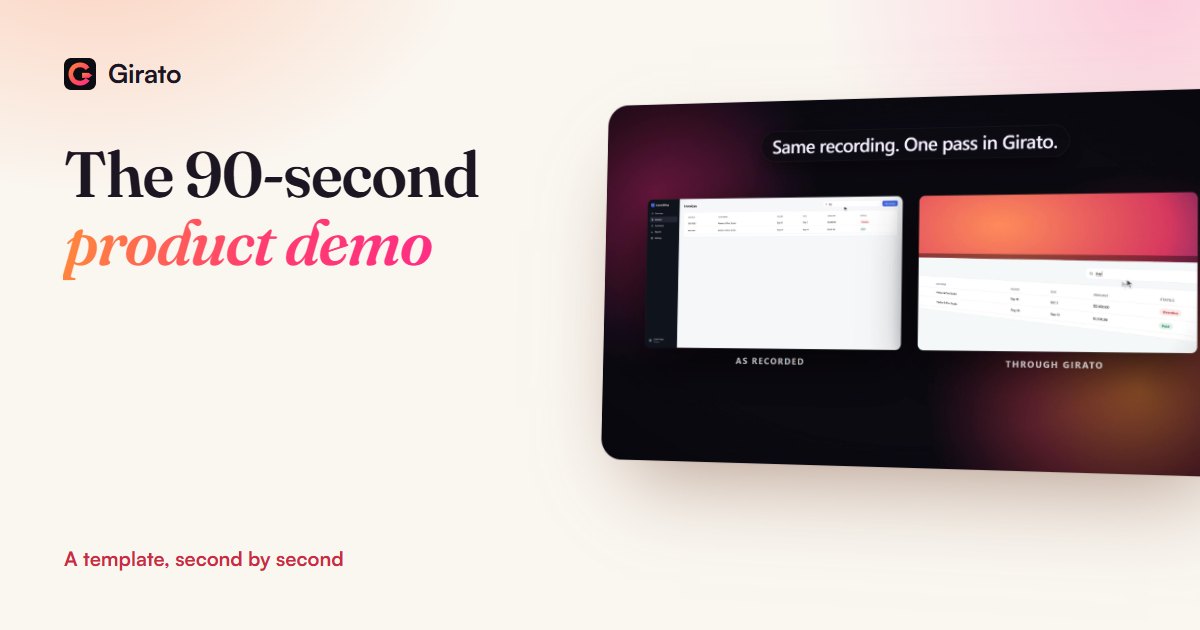
- Desktop apps place a zoom on each click
- Or record in a browser tab, free
- Export for your site and social from one take
Why a short demo is worth making
In Wyzowl's 2026 survey, 96% of people said they had watched an explainer video to learn about a product or service, 63% said a short video is how they would most like to learn about one, and 80% said they had bought or downloaded an app after a demo. The survey is small, 266 marketers and consumers in total in late 2025 and fewer for the consumer questions, so read the figures as a direction rather than a forecast.
The 90-second template
| Seconds | Beat | What is on screen |
|---|---|---|
| 0 to 5 | The result | The finished outcome, for example the sent reminder or the report |
| 5 to 15 | The problem | The messy before, in one shot and one sentence |
| 15 to 60 | The task | Three to five clicks, a close-up on each, a short title per step |
| 60 to 80 | The proof | The result again, now that the viewer knows how it was made |
| 80 to 90 | Next step | One action: start free, book a call, or read the docs |
The timings are a starting point, not a rule. A simple tool can finish in 45 seconds; a product with a real setup step may need two minutes. Keep the order: result first, then how, then the result again.
How to record it
- Pick the one task that sells. The moment a customer would describe to a friend. Not a tour of every menu.
- Prepare a clean account. Demo data that looks real, no test names, no notifications, other tabs closed.
- Size the app window. Around 1600 by 1000 keeps text readable once it is zoomed.
- Click slowly and pause. One second after each click gives the zoom and the viewer time to land.
- Trim, zoom, label. Cut the start and end, speed up any waiting, put a close-up on each click and a title on each step.
- Export twice. 16:9 for your website, and 9:16 or 1:1 for social, from the same recording.
What to leave out
- The login screen and settings. Nobody buys a settings page.
- Every feature. One task shown well beats ten shown fast.
- Fake numbers that look fake. Round, repeated figures read as a mock-up. Use believable demo data.
- A long logo intro. Wistia's data shows most viewers drop off around the halfway point, so put the result early, not the logo.
Where the video goes
| Place | Shape | Tip |
|---|---|---|
| Landing page hero | 16:9 | Autoplay muted, so add titles that work without sound |
| Sales email or outreach | 16:9 | Link a thumbnail image to the video rather than embedding it |
| LinkedIn, Instagram feed | 1:1 or 4:5 | Captions on, the first frame is the result |
| Shorts, TikTok, Reels | 9:16 | Crop to the part of the screen that matters |
Frequently asked questions
How long should a product demo video be?
- Long enough for one task, start to finish
- Usually 60 to 90 seconds on a landing page
- Shorter for a simple tool
- A little longer if setup is part of it
What software do I need to make a product demo?
- A recorder that can trim, zoom and title
- Girato does both in one app
- Windows and Mac apps zoom on your clicks
- The browser version is free, no install
Should a product demo have a voiceover?
- Helpful for sales pages and YouTube
- Hero videos usually autoplay muted
- Step titles should carry the story alone
- Add captions when there is a voice
Can I make a product demo video for free?
- Yes, in Girato's browser version
- No download, card or account
- 3 watermark-free exports a month
- Pro adds 4K and removes the badge
Sources
- Wyzowl: Video Marketing Statistics 2026, checked 9 Nov 2026
- Wistia: optimal video length, checked 9 Nov 2026
- Girato pricing and free plan, checked 9 Nov 2026
- The film on this page: recorded in the real Girato app, checked 9 Nov 2026
Record your demo today
- Zoom on every click
- Titles, blur and captions in one editor
- Every shape from one recording