Short answer: yes, you can record your screen online for free with no download. Open girato.app/app in Chrome, Edge, Firefox or Safari on a computer, choose a tab, a window or the whole screen, and record. Girato needs no account, keeps the recording on your device, and 3 exports a month are watermark-free at any length.
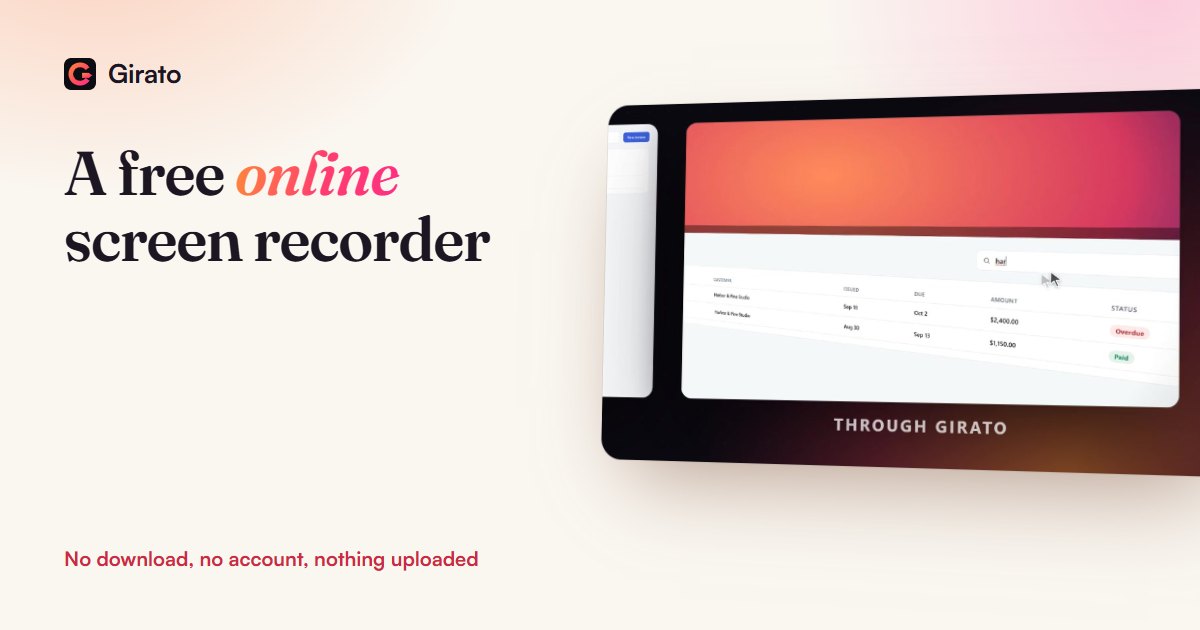
- No download, card or account
- Edit, zoom, caption and export in the same tab
- Nothing leaves your computer
How to record your screen online
- Open the recorder. Go to girato.app/app on a computer. The browser version is made for computers, so on a phone the page offers to send the link to your computer.
- Pick what to record. The browser asks for a tab, a window or the entire screen. A single tab or window keeps text larger and hides your other apps.
- Turn on sound if you need it. Switch on the microphone for your voice. For the sound coming from the computer, see the table below: it depends on the browser and system.
- Record, then edit in the same tab. Trim, cut, zoom in where people need to read, add titles, blur private details, add captions.
- Export. MP4 or GIF (WebM with Pro), in 16:9, 9:16, 1:1 or 4:5. The file saves straight to your computer.
Which browsers record sound
| Browser and system | Your microphone | A tab's sound | The whole computer's sound |
|---|---|---|---|
| Chrome or Edge on Windows, ChromeOS | Yes | Yes | Yes, when sharing the entire screen |
| Chrome or Edge on Mac, Linux | Yes | Yes | No |
| Firefox, Safari | Yes | No | No |
To capture a tab's sound in Chrome or Edge, pick the tab and turn on the option to share its audio in the browser's picker. Record a five-second test first: a browser can return no sound even when it was asked.
Online recorder or Chrome extension?
Both run in the browser. The difference is where your video goes. Extensions usually keep your videos in an online account: Screencastify, for example, stores them in Google Drive or its own Castify Storage unless you switch it to your device, and its free plan stops at 10 videos. A recorder that runs in a normal tab and saves to your computer has no upload step and no storage limit, which also suits screens you would rather not send to a third party.
| Tool | Free plan | Paid from |
|---|---|---|
| Girato, browser version | No length limit; 3 watermark-free exports a month at 1080p, saved to your computer | $8 a month billed yearly, $12 monthly, or $99 once |
| Screencastify extension | Up to 10 videos, up to 30 minutes, Castify watermark; stored in the cloud by default | $7 a user a month billed yearly, $18 monthly |
| Loom | 25 videos, 5-minute screen recordings | $15 a user a month billed yearly, $18 monthly |
| Clipchamp (Windows 11) | Recordings up to 30 minutes; 1080p export, no watermark | 4K export with Microsoft 365 Personal or Family |
Read on each tool's own pricing page on 9 November 2026.
When to use the desktop app instead
- Automatic zooms. The Windows and Mac apps track your clicks and place a zoom on each one. In the browser you add zooms by hand, which takes a minute per video.
- Computer sound on a Mac. Chrome and Edge on a Mac can share a tab's sound but not the whole system's, and Firefox and Safari share neither. The Mac app records system sound on macOS 13 or later.
- Transparent video. Girato's browser version exports on black. The desktop apps export a transparent background with Pro.
Frequently asked questions
Is there a free online screen recorder with no watermark?
- Yes, Girato's browser version
- No download, card or account
- 3 watermark-free exports a month, any length
- Later free exports carry a small badge
Does an online screen recorder upload my video?
- Some tools store videos online
- Girato keeps everything on your computer
- Recording, editing and export are local
- Nothing is uploaded
Can I record my screen online with audio?
- Your microphone works in every browser
- Chrome and Edge share a tab's sound
- Whole-system sound on Windows and ChromeOS
- On a Mac, use the desktop app for system sound
Is there a time limit?
- No recording length limit
- The 3 free clean exports can be any length
Sources
- MDN: getDisplayMedia, and its browser compatibility for audio, checked 9 Nov 2026
- Chrome for Developers: screen sharing controls (tab audio), checked 9 Nov 2026
- Screencastify pricing, checked 9 Nov 2026
- Screencastify help: Changing the default storage location, checked 9 Nov 2026
- Loom pricing, checked 9 Nov 2026
- Clipchamp pricing, checked 9 Nov 2026
- Microsoft Support: Clipchamp maximum recording length, checked 9 Nov 2026
- Girato pricing, checked 9 Nov 2026
Record in this tab
- No download or account
- Edit and export in the same place
- Nothing uploaded