Record your iPhone or iPad from your Mac
- Plug in with a cable and pick the device in Girato.
- Record its screen and its sound.
- No QuickTime round trip.
- Mac app only.
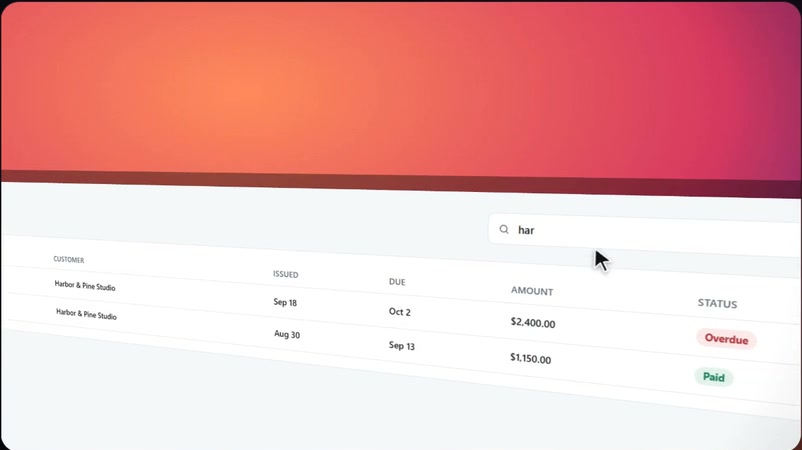
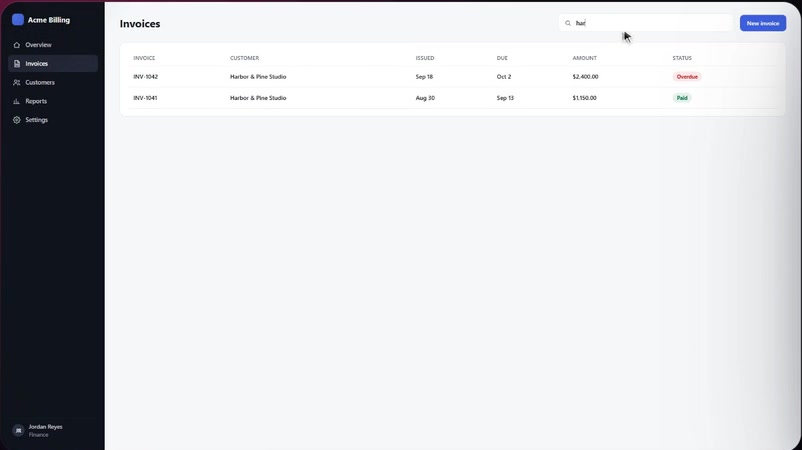
Record your iPhone or iPad straight from your Mac over a cable, then frame it on a backdrop for your store page, your site and your socials.
Shown in the real app. iPhone recording needs the Mac app and a cable.
What users and the makers' own pages say, linked to the source, and what Girato does instead.
Swipe for more
Fair is fair: Loom's instant share links, OBS being free and open source, and Screen Studio's polish are real strengths. Girato is for polished videos you own, made on your own computer.
No add-ons and no credits. The free plan has all of this, at 1080p with a small badge.
14-day money-back guarantee on your first Pro purchase. Refund policy
Every line on the left is a job someone does by hand in a normal editor.
Every claim about Girato on this page is something you can test in the app in a minute. Real customer quotes appear here as they come in. We never invent them.